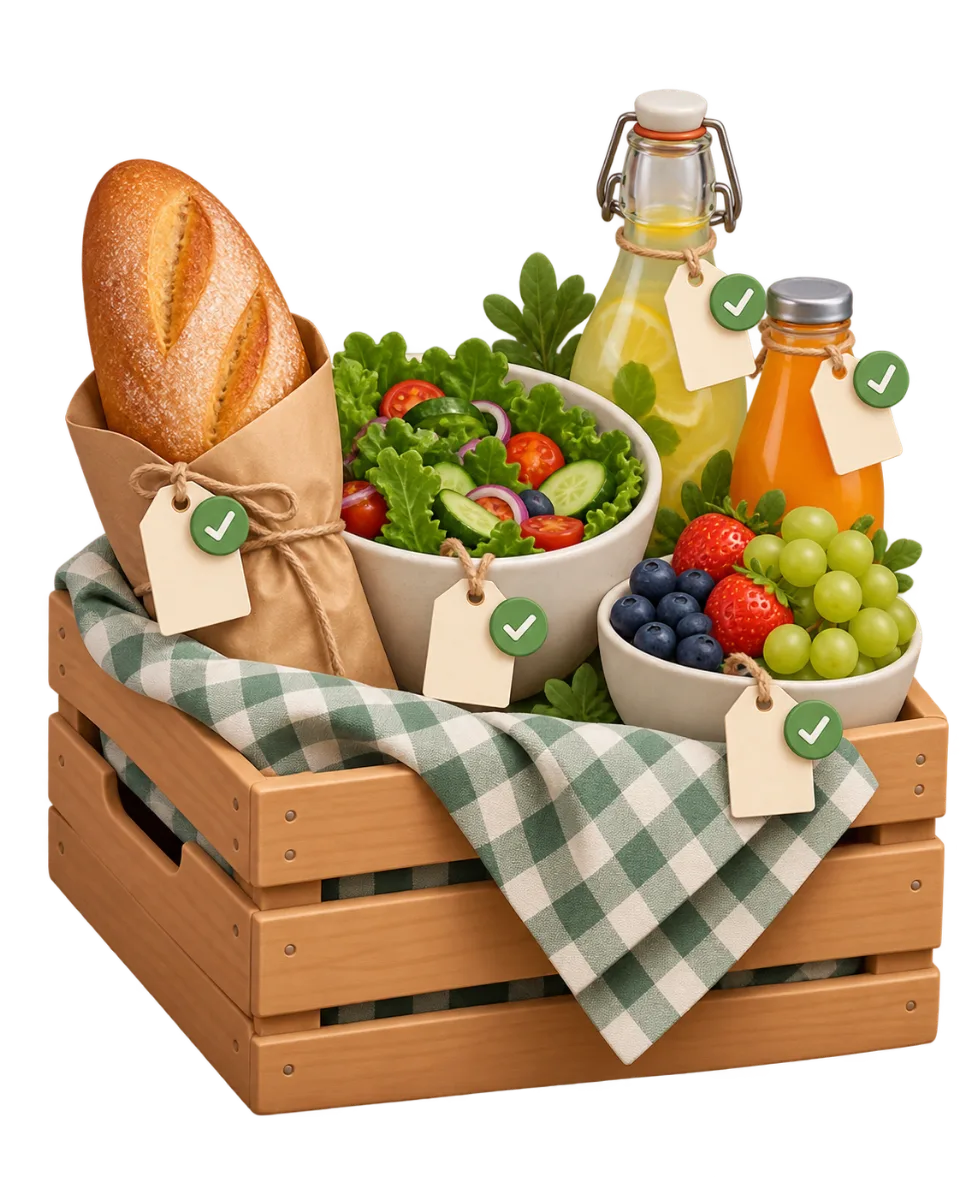
Cold drinks
Know who brings what, without chasing anyone
As soon as a group goes past a dozen people, "who brings what" can no longer be settled in a conversation. A shared list with quantities and a live status settles it once.
Create my list- No app to install
- Guest account optional
- No advertising
Picnic in the park
LMSA
Salads
Outdoor games
Where it starts
The chat scrolls by, the list does not exist.
Commitments are made across messages, with no overall view. There is no way to see at a glance what is covered, and it is always the same two people filling the gaps the night before.
With Kankwa
One line per need, a quantity, a status.
Each need shows the quantity expected and how many people have signed up. When someone commits, the item flips to covered for the whole group, straight away.
How it actually works.
Describe what is needed
Group things however you like — savoury, sweet, drinks, gear — and put a quantity on each line.
Send the link round
Everyone opens the list on their phone and ticks what they are handling, with no account and no app.
Fill the gaps
What is still uncovered is visible at all times: one targeted reminder is enough, instead of ten general messages.
The tools used on this page
Every tool works on its own or attached to the same shared link. You only turn on what you really need.
Frequently asked questions
- Can I ask for several of the same item?
- Yes. Each line carries an expected quantity: "three desserts" or "six bottles". Several people can therefore sign up for the same need until the quantity is met.
- Can a guest cancel what they promised?
- Yes. They get a cancellation link when they sign up, and can pull out without writing to you. The item becomes available again for others, and you see it in the tracking.
- Can the list be attached to a bigger event?
- Yes. The list works on its own, but can also be attached to an event page that gathers the date, the gifts and the expenses. Guests then reach everything from a single link.
- Do I have to pay to create a list?
- No. Creating and sharing a list is free, with no ads for guests.

Simpler moments, together
One list, and nobody asks what to bring again.
Create the list, share the link and watch every need find someone.
Create my list